Web Disk (DAV)
How to setup your web disk to work with Epression web 4
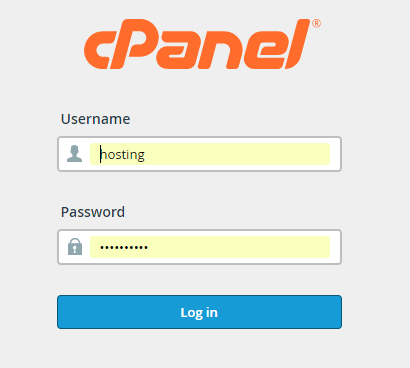
1. login to your hosting account. https://yourdomain.com/cpanel - (if you need your login info please open a ticket in our support system
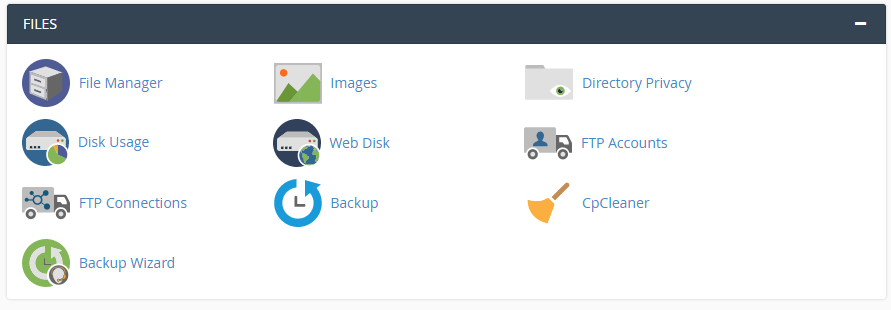
2. Go to Files
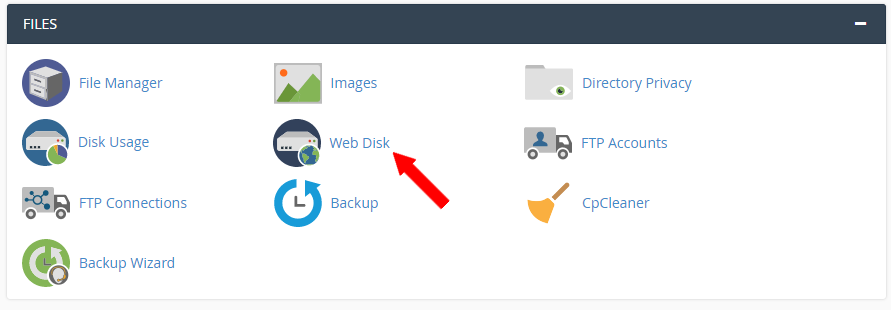
3. Click on web disk
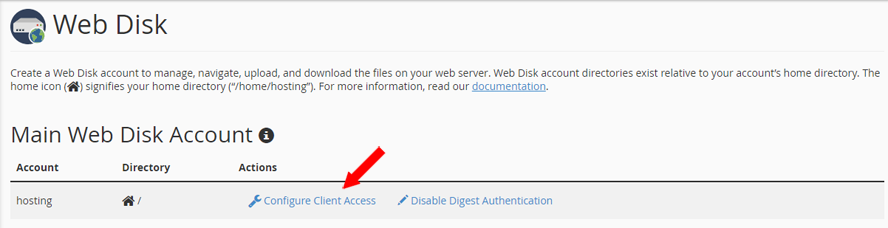
4. Click on configure client access
5. Next choose your operating system

Note: To access your WEB DISK acount, you must configure your computer's file wall to allow the following port: 2087 (SSL)
Connection instructions for “userâ€.
5. Secure Connection (SSL)
Server Address:Â https://yourwebsitehere.com:2078/publi_html
- Username: your username
- Password: Your Web Disk account password.
- SSL Enabled: Enabled